
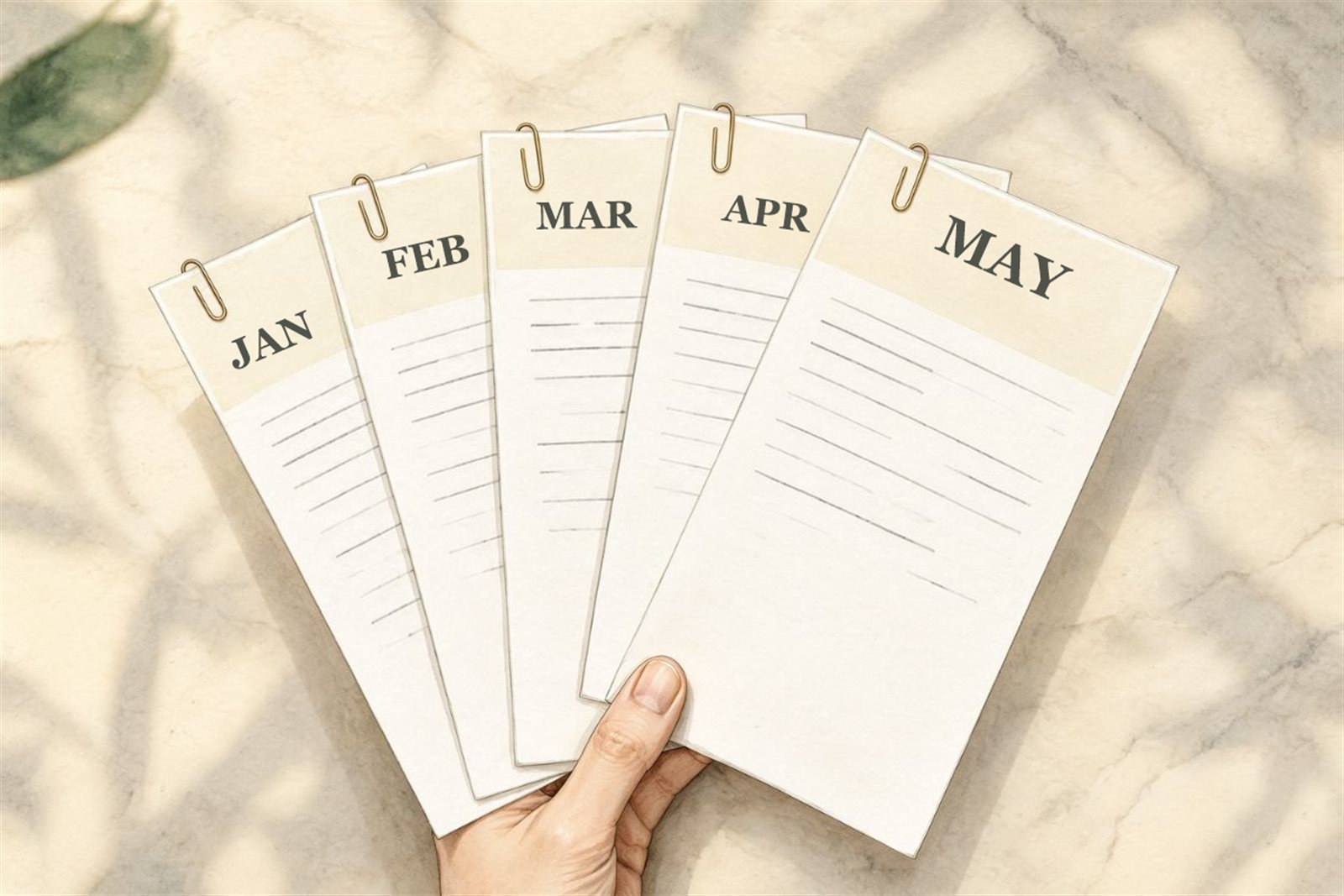
If a client pays you the same amount for the same work every month, stop treating each invoice like a brand new job. Agree the terms once, send the invoice on the same day each month, and keep the wording the same. That’s really all there is to it. The rest of this post is about what to settle early, so a slightly odd month doesn’t turn into an awkward conversation.
What a retainer is
A retainer is an ongoing deal. The client pays you regularly to keep you on call, or to deliver a set amount of work. Four blog posts a month. Ten hours of support. Looking after their social accounts.
It’s not a project. A project ends, and you bill for what you delivered. A retainer just carries on, so the invoice turns into something you both expect, a bit like a subscription for your time.
Agree four things before the first invoice
Most retainer arguments aren’t really about money. They’re about what the money covers. So put these in writing at the start, even if it’s just a short email, and the monthly invoice never has to explain itself.
- What’s included. "Four blog posts of up to 800 words" is clear. "Content support" isn’t.
- What happens to unused work. Does it roll over, or is it gone at the end of the month? Either is fine. Just pick one.
- What counts as extra. If they ask for a fifth post, is that billed on top? (We touched on wording this in [invoicing as a freelance designer](/blog/invoicing-as-a-freelance-designer).)
- When you invoice and when it’s due. Say you invoice on the 1st and it’s due in 14 days. [Payment terms](/blog/invoice-payment-terms-explained) are worth getting right here, because you’ll live with them every month.
Plenty of people bill at the start of the month, for the month ahead. It’s kinder to your cash flow, and for a retainer it makes sense, because the client is paying to have you available. Just say so up front so it doesn’t surprise anyone.
What goes on each invoice
Keep it the same every month, with one thing that changes: the period.
- A new invoice number every time. If you’re not sure how to keep them in order, [here’s how to number your invoices](/blog/how-to-number-your-invoices).
- The month it covers, right in the description. "Content retainer, December 2026" is easy for the client to match against their own records.
- The same line items, worded the same way, at the same price.
- Anything extra on its own separate line, so the usual amount stays recognisable.
Here’s an example. Say you’re a freelance writer, and your client Daniel Moore at Brightfield Dental pays you 800 a month for four posts. In December he also asks for a one-off landing page. Your invoice has one line, "Blog retainer, December 2026: 800", and a second line, "Landing page copy: 300". He can see his normal retainer hasn’t changed, and exactly what the extra was for.
Don’t quietly skip a month
On a slow month it’s tempting to let the invoice slide and sort it out later. I’d resist that. A missing invoice is easy to forget, and three months bundled together makes one big bill that’s harder for the client to approve. Send it on schedule. And if you did less than you agreed, have that conversation first and adjust the invoice, rather than leaving it out.
Look at your price once a year
A retainer that never changes slowly turns into a pay cut as your costs creep up. Pick a date, maybe once a year, to ask whether the rate still fits. If it doesn’t, give the client notice before the new price starts, and put it in writing.
Let the invoice repeat itself
Typing the same invoice out every month is exactly the kind of job that gets forgotten. Wizard Invoice has a Pro feature for it. When you make an invoice, you can set it to repeat weekly, monthly, every three months or yearly. When the date comes round, a fresh copy is made with the next invoice number and the same items, and the due date keeps the same gap as the original.
Two things worth knowing. It doesn’t send itself. The new invoice is waiting in your list for you to look over and send. And it appears when you open Wizard Invoice on or after that date, not before. Most people want that last look before it goes out, so it works in your favour.
If you’re on the Free plan, you can do much the same by duplicating last month’s invoice and changing the date and the period in the description. And if you only have one or two retainer clients, the free [invoice maker](/invoice-maker) does the job for a single invoice without an account.

Comments
No comments yet. Be the first to add one.